What you need before you start
- The GSTIN you want to check. It is printed on tax invoices.
- A web browser. No login is needed for the basic search.
Steps to verify a GSTIN without logging in
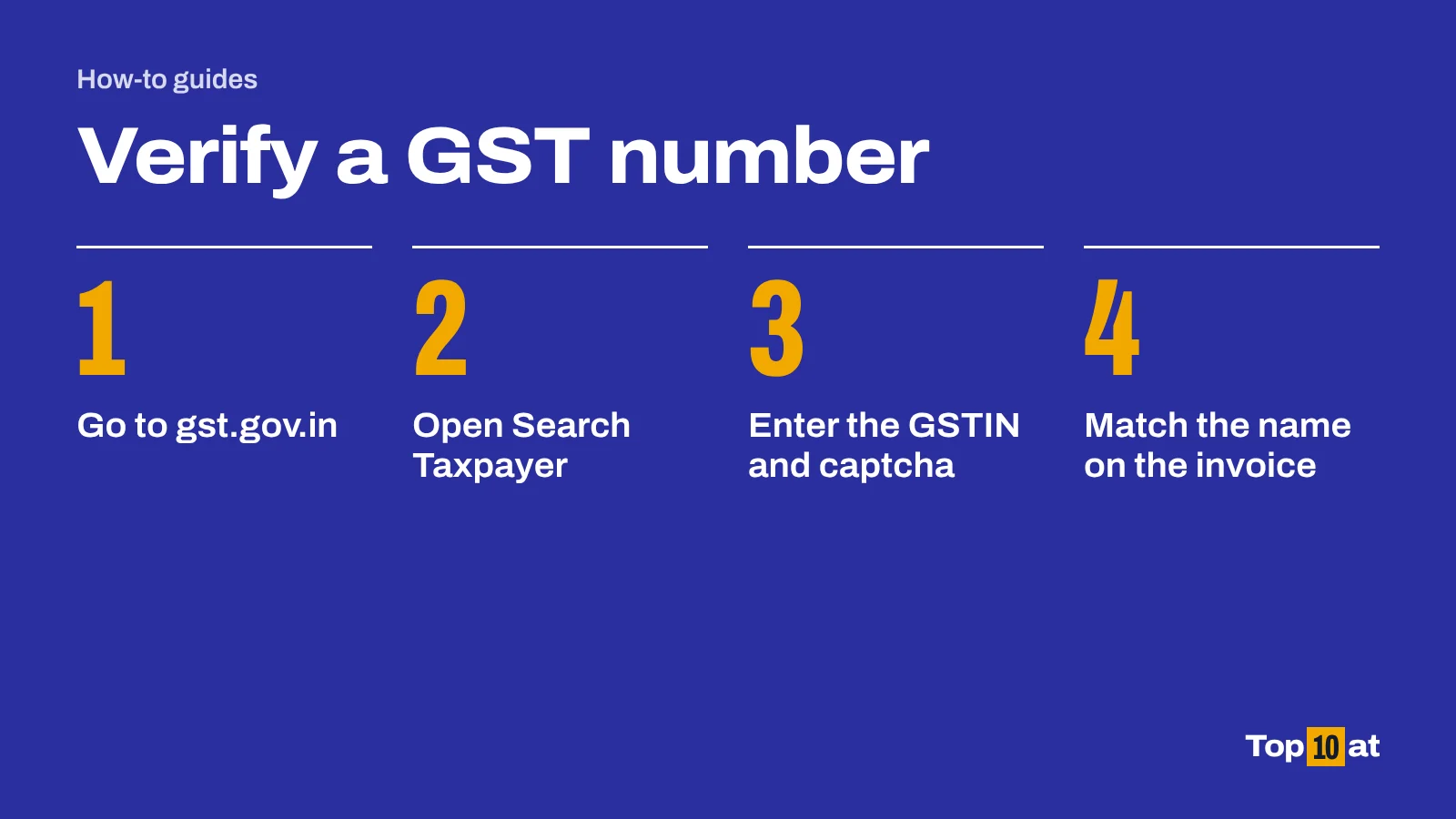
- Open www.gst.gov.in, the official GST portal.
- Click the Search Taxpayer menu.
- In the box for GSTIN/UIN of the taxpayer, type the GST number.
- Type the characters shown in the captcha image.
- Click SEARCH.
- Compare the legal name and trade name on screen with the name on your invoice.
The same search works for a UIN, the Unique Identity Number that some bodies hold instead of a GSTIN.
How to see whether the business files its returns
A registered business that has stopped filing returns is a warning sign for anyone claiming input tax credit on its invoices.
- Run the search as above.
- Click SHOW FILING TABLE.
- Choose a financial year from the list and click SEARCH.
- To see whether the business files monthly or quarterly, click Show Return Filing Frequency.
The filing frequency button returns an error for taxpayers who are not registered, whose registration is cancelled, or who are in the composition scheme.
What the search shows
| Detail | Without login | After login |
|---|---|---|
| GSTIN or UIN | Yes | Yes |
| Legal name of the business | Yes | Yes |
| Trade name | Yes | Yes |
| Effective date of registration | Yes | Yes |
| Constitution of business | Yes | Yes |
| Principal place of business | Yes | Yes, with a separate place of business tab |
| Date of cancellation, if cancelled | Yes | Yes |
| Return filing details | Yes | Yes |
| Names of proprietor, directors or promoters | No | Yes |
| E-way bill history | No | Yes |
| Annual aggregate turnover | No | Yes |
| Whether Aadhaar authenticated | No | Yes |
What to check on the result
- The name. The legal name or trade name should match the seller on your invoice. A GSTIN can be genuine and still belong to a different business.
- The status. If a cancellation date is shown, the business was not registered after that date and should not be charging GST. The portal also flags registrations that have been suspended.
- The place. The principal place of business should make sense for the seller you are dealing with.
- The filing record. Long gaps in the filing table mean the supplier may not be paying the tax it collects.
If the number cannot be found
Check that you have typed all 15 characters correctly. If the portal still finds nothing, ask the seller to confirm the number. A business that charges GST must be registered, and a registered business will have a GSTIN the portal recognises.
About these steps
The steps follow the official guidance listed under Sources, which we read on 11 October 2026. Government and bank websites change their menus from time to time. If a button or menu has a different name when you try, look for the nearest match and check the official page.
Frequently asked questions
Is it free to verify a GST number?
Yes. The Search Taxpayer tool on the GST portal is free and does not need a login.
Can I check a GST number without logging in?
Yes. Open gst.gov.in, choose Search Taxpayer, and enter the GSTIN and captcha. Logging in shows a few extra details, such as the names of the proprietor or directors.
What details can I see for a GSTIN?
Without logging in: the legal name, trade name, effective date of registration, constitution of business, principal place of business, any cancellation date, and return filing details.
How do I know if a GST number is fake?
Search it on the GST portal. If no record is found, or the name shown is not the seller's, or the registration has been cancelled, ask the seller to explain before you pay GST on the invoice.
Can I see whether a supplier files GST returns?
Yes. After searching the GSTIN, click SHOW FILING TABLE and choose a financial year.
Sources
- Manual: search taxpayers using GSTIN/UIN, Goods and Services Tax Network, GST Portal. tutorial.gst.gov.in. Accessed 11 October 2026. Steps and the details shown, before and after login.
- Search Taxpayer, GST Portal. services.gst.gov.in. Accessed 11 October 2026. The search page itself.